KB00006 - Unable to initialize DAO/Jet db engine
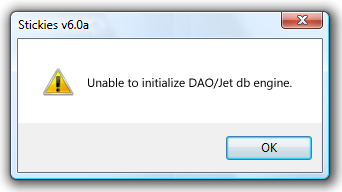
Description
This error can occur as Stickies starts. It's as Stickies tries to use the database library built into Windows.
Explanation
Something must have gone wrong with a database part of Windows. I've not been able to see this error myself - Stickies runs ok on a clean install of Windows. I'd like to pay credit to Bill Pollack who discovered this problem, and then also sent through the solution.
Resolution
- Click on Start and then on Run. Paste the following into the run line:
regsvr32.exe /u C:\progra~1\common~1\micros~1\dao\dao360.dll- Click the OK button. Then, click Start and then Run again, and paste:
regsvr32.exe C:\progra~1\common~1\micros~1\dao\dao360.dlland click OK
That will get rid of the message.
This solution will also solve other error messages which can occur around DAO - eg if you're asked for the installation package "DAO.msi"